Common AI Problem
Recover a Broken WordPress Website
White screen of death, plugin conflicts, or a hacked site. We recover broken WordPress websites and harden them.
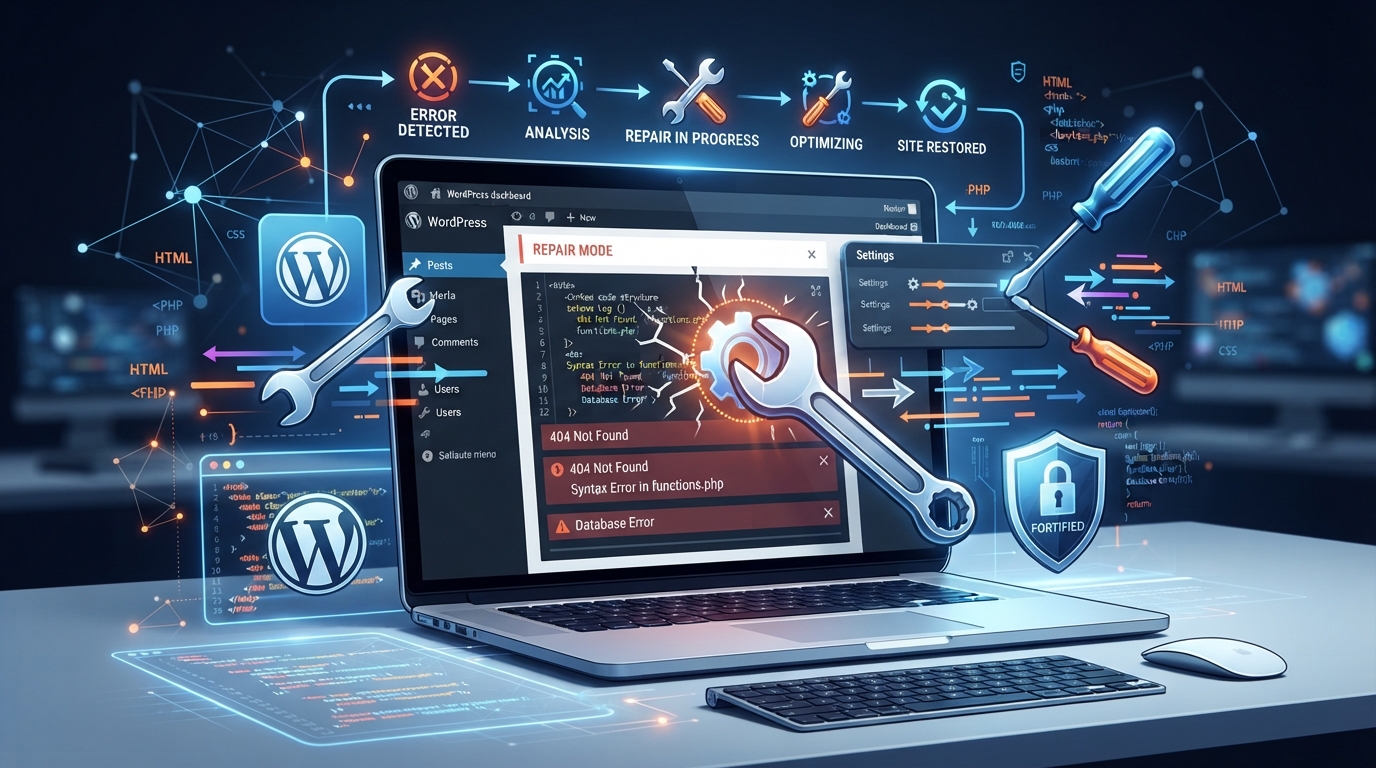
Immediate Steps to Recover Your Broken WordPress Site
When your WordPress site crashes, immediate action is essential to prevent further complications. The first step is to remain calm and avoid making hasty changes that might worsen the situation. Start by creating a complete backup of your current site state, even if it's broken. This ensures that you have a fallback during recovery efforts. Next, deactivate all plugins to determine if one of them is the culprit. If the site becomes accessible, gradually reactivate each plugin to identify the source of the issue.
Check the server error logs for any obvious signs of trouble. These logs can provide valuable insights into what might have triggered the failure. Additionally, switch to a default WordPress theme temporarily to rule out theme-related problems. If the issue persists, consider reaching out to hosting support as they can assist with server-related glitches.
- Create a complete backup of the current site state.
- Deactivate all plugins to identify potential conflicts.
- Check server error logs for insight into the issue.
- Switch to a default WordPress theme temporarily.
- Contact hosting support for server-related assistance.
Common Culprits Behind WordPress Failures
Understanding why WordPress websites break is key to preventing future failures. Plugin conflicts are among the most common causes, as incompatible or outdated plugins can disrupt site operations. Similarly, themes that aren't updated to match the latest WordPress versions can introduce bugs or security vulnerabilities. Hosting issues, such as server downtime or misconfigurations, often lead to site instability.
Updates, while essential, can sometimes cause more harm than good if not managed carefully. It's vital to ensure compatibility between the WordPress core and all installed themes and plugins before proceeding with any updates. Lastly, cyberattacks, like brute force or malware injections, remain a persistent threat, necessitating robust security measures.
- Incompatible or outdated plugins.
- Themes not updated to current WordPress versions.
- Server downtime or misconfigurations.
- Mismatched updates between core, themes, and plugins.
- Cyberattacks such as brute force or malware injections.
Our Comprehensive Recovery Process
At BuildRescue, our recovery process for broken WordPress sites is methodical and thorough. We begin with a detailed assessment to pinpoint the precise causes of the failure. This involves scrutinising plugins, themes, and server configurations. Our team then implements targeted fixes, addressing each identified issue systematically to restore full site functionality.
Once the primary issues are resolved, we run a suite of tests to ensure everything is operating smoothly. This includes testing for responsiveness, speed, and security vulnerabilities. Our goal is to reinstate your site to a stable state, minimizing the risk of recurring issues and ensuring that your online presence is not only restored but also enhanced.
Strengthening Your WordPress Site Against Future Issues
After recovering your WordPress site, it's crucial to implement measures that safeguard against future problems. Regular updates for WordPress core, plugins, and themes are fundamental. We recommend setting up an automatic backup schedule to ensure you always have a recent version of your site available in case of future troubles.
Enhanced security is another vital step, involving the use of strong passwords and two-factor authentication to protect against unauthorised access. Regularly monitoring site activity and server logs can also help catch suspicious behaviour early. Finally, consider using a reliable security plugin to provide an additional layer of defence and peace of mind.
- Implement regular updates for core, plugins, and themes.
- Set up an automatic backup schedule.
- Use strong passwords and two-factor authentication.
- Monitor site activity and server logs regularly.
- Install a robust security plugin for extra protection.
What You Can Expect After Recovery
Once your WordPress site is back up and running, you can expect improved performance and enhanced security. We ensure your site is optimised for speed and responsiveness, providing a better user experience for visitors. Additionally, the security measures we put in place significantly reduce the risk of future breaches or failures.
The comprehensive recovery and fortification process also instils confidence that your site can withstand common threats and technical challenges. You'll have the assurance that your online presence is both resilient and reliable, enabling you to focus on your core business objectives.
What our clients say
“White screen of death, no backup, total panic. BuildRescue recovered the whole site within hours and explained exactly what had gone wrong. I genuinely thought we'd lost everything.”
SWSandra WhitfieldOwner, Whitfield Bakes “Our site was hacked and defaced overnight. They cleaned the malware, restored it, and hardened everything against reinfection. Fast, calm, and completely on top of it from the first call.”
DLDerek LawsonDirector, Lawson & Co Legal “A plugin update took the whole site down before a big launch. They fixed the conflict quickly and set up automatic backups too. The added protection has paid for itself.”
YTYuki TanakaFounder, Kiri Studio
Services that fix this
- AI Website Rescue ServicesBroken layouts, blank pages, failed deploys, invisible-to-Google sites: we repair AI-generated websites and get them live, fast, and findable.
- Website Maintenance & Ongoing SupportLaunch is the beginning, not the end. We keep your AI-built app secure, updated, monitored, and running long after it goes live.
Learn more
Related articles
- How to Recover a Hacked WordPress SiteA calm, step-by-step process for cleaning a hacked WordPress site and making sure it stays clean.
- A Practical Authentication Security ChecklistRun through this checklist to catch the authentication mistakes that most often lead to breaches.
- Monitoring and Alerting Basics for Small TeamsYou cannot fix what you cannot see. Here is a minimal monitoring setup that catches problems early.
Frequently asked questions
- What are the first steps to take when a WordPress site fails?
- Start by backing up your site, even in its broken state. Deactivate all plugins to identify conflicts, check server error logs for clues, and switch to a default theme. Contact your host if server issues are suspected.
- How can I identify if a plugin is causing my WordPress site to break?
- Deactivate all plugins and then reactivate them one by one. If the site works after deactivating a specific plugin, that plugin may be the cause. Ensure all plugins are compatible with your WordPress version.
- What measures can prevent my WordPress site from future issues?
- Regularly update WordPress core, plugins, and themes. Set up automatic backups, use strong passwords, enable two-factor authentication, and install a security plugin to protect against threats.
- How long does it typically take to recover a broken WordPress site?
- The recovery time can vary depending on the nature and complexity of the issues. Minor problems may be resolved quickly, while more severe issues could take longer to diagnose and fix.
- What are common signs that my WordPress site might be compromised?
- Signs include unexpected downtime, slow performance, unfamiliar files or changes, error messages, or receiving alerts from your security plugin about suspicious activity.
Stuck on exactly this?
Send us your repo and the error. We will triage it and reply with a fixed-scope plan within one business day.